Photo at top: Holland sun Kingfisher size 17cm distance 28m, flying into nest corridor, equivalent 1500mm Z50 Nikkor 500mm f/5.6E PF VR substantial camouflage. APERTURE Mode Birds.
F11: full screen
Why Z50?
Z50 is the lightest and cheapest of all Nikon MLC’s but nevertheless a full blown and ultralight mirrorless camera for bird photography. We use it frequently in actual bird photography but almost always as spare camera on a birding trip in case our main camera, usually Z7 II, drops out, gets lost or whatsoever.
Key settings Z50 APERTURE Mode “Birds“
Important settings underscored:
- ================================= Telelens & converter ============================
- If sufficient available light underexpose picture 0.5-2.0 EV to protect details in Highlights
- ==================================== Camera handling: ============================
- Language: English (matches camera buttons, keyboard shortcuts Lightrooom, online info)
- Camera PASM switch: A (APERTURE driven).
- APERTURE lens: always maximal: NEVER STOP DOWN lens: Maximal light for AF & tracking!
- b2: EASY EXPOSURE Compensation (set/reset EXPOSURE TIME comfortably via back dial).
- Assign AF-ON to AF-L/AE-L button (enable “Back Button Focus”).
- ISO Sensitivity automatic: Shutterspeed: Maximum Highspeed: 1/1000 sec (prepare for fast action).
- ISO Sensitivity automatic: Minimum ISO sensitivity e.g.: if cloudy 6400, if sun 3200.
- Standby timer c3: 30 seconds: (switch off camera automatically until next time/day)
- EV Increments: 1/2 stop (easy counting & resetting).
- =========================================== Light: ==================================
- Underexpose systematically: -0.5 – 2.0 EV: protect detail highlights & shorten EXPOSURE TIME!
- Autom. light meas’t: Centre weighted. Bird in centre viewfinder & if required recomposed in Lightroom.
- Centre weighted area light measurement: 8 mm (“average size” bird in viewfinder)
- Quality: 14 bits RAW lossless compressed: top quality image files
- Colour space: Adobe Colour Space: compatible with Lightroom, ViewNX, etcetera.
- WB auto AUTO2: preserve warm colors (if required adjust in Lightroom)
- ======================================= Focus & track =============================
- Autofocus mode: AF-C, Wide area
- =================================== Shoot a (series of) picture(s): =====================
- = In actual photography: Press AF-ON button: start focus & track bird (Back Button Autofocus)
- = OR do nothing (while camera holds AF position …)
- = OR full press Release: light measurement, EXPOSURE Time computed, picture(s).
- = Check result (if you have the time)…
- = When done: reset camera/lens settings you have changed during photography!
Using APERTURE Mode Birds
APERTURE Mode Birds produces pictures like the one below: an optimal trade off in dark weather of EXPOSURE TIME and ISO value, at the same time anticipating fast action:
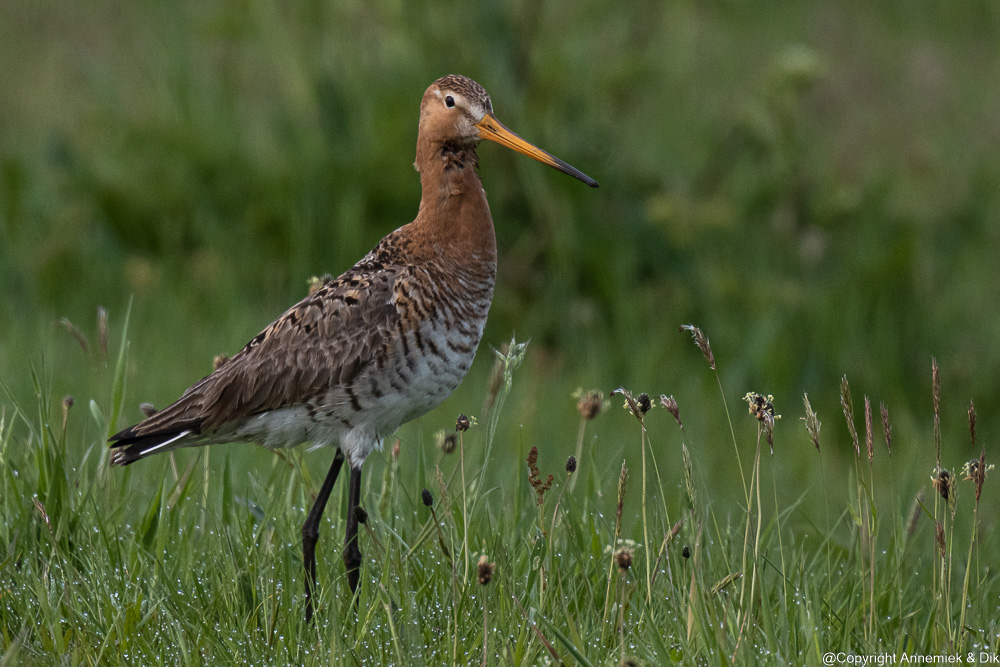
Pictures Z50 in APERTURE mode Birds
Frequently but few seconds to catch the action:


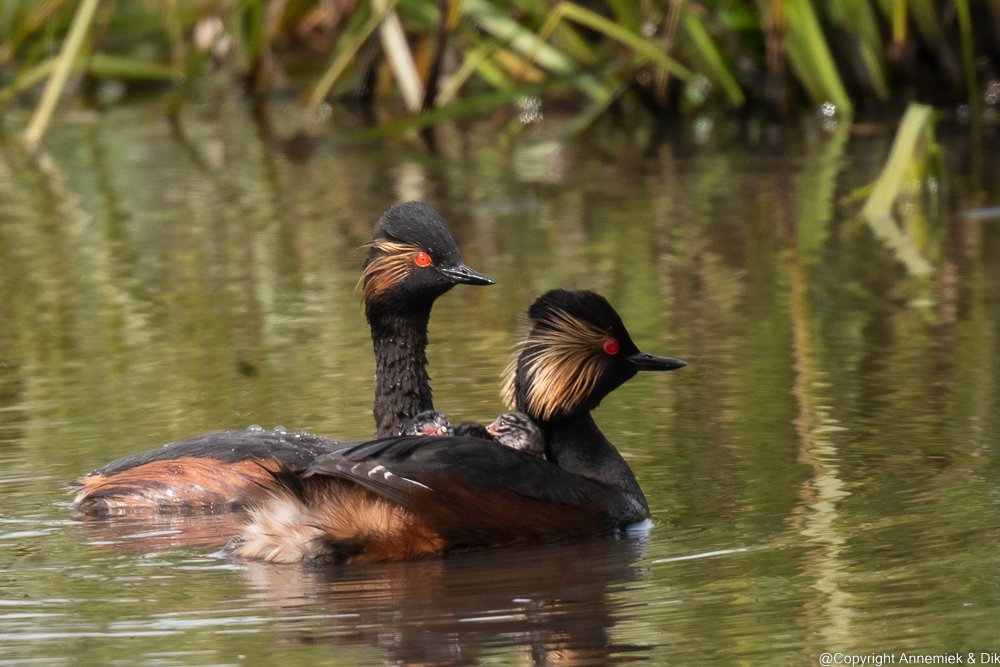
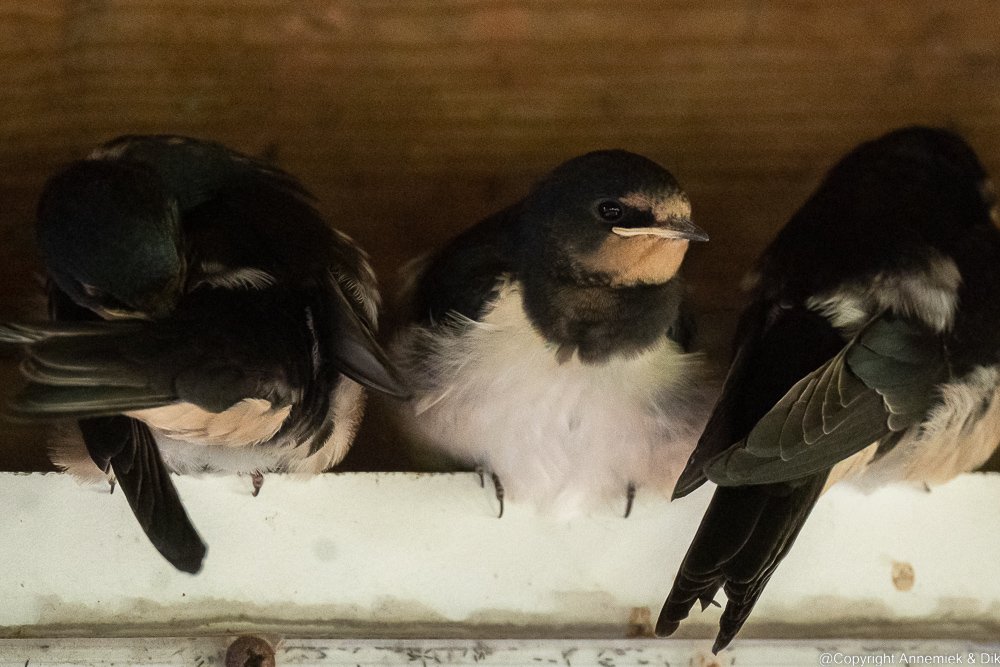


. . .
